How to Create a Year-in-Review Photo Collage Canvas for Christmas
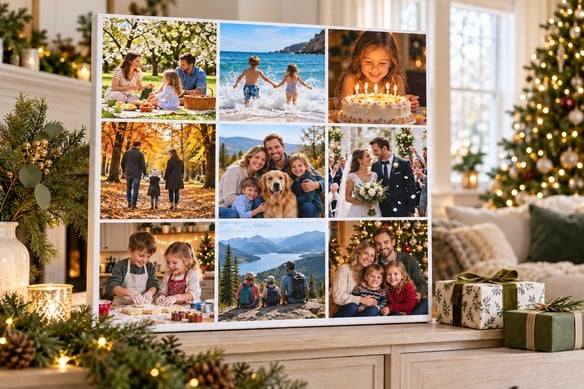
A year doesn't fit into one photo. Birthdays, weekend trips, the school play, that ordinary Tuesday afternoon that somehow became a favourite memory — it's all scattered across your camera roll. A photo collage canvas pulls those moments into one gift, and unlike most things under the tree, it's still on the wall next Christmas.
The process isn't complicated: pick photos that actually mean something, choose a layout that fits them, and check the design properly before you hit print. That's really it. But a few decisions along the way make the difference between a collage that looks thrown together and one that gets a proper "oh, I love this" when they open it.
Here's how to go from camera roll to keepsake.
Start With a Story, Not Just "Good Photos"
Before you open any design tool, decide what you're actually celebrating. Is this the family's year? A couple's first twelve months together? Everything the grandparents missed between visits because they live three hours away?
Pick a theme first and the photo selection gets a lot easier — you're not scrolling through hundreds of "good" pictures, you're looking for the ones that belong to one story.
A few that tend to work well:
Our family year — birthdays, school milestones, holidays, the everyday stuff.
Our first year together — a new relationship, a wedding, moving in together.
The places we went — big trips, but also the local walks nobody photographs enough.
The little things — baking disasters, the dog, Sunday mornings, nothing "important" at all.
And don't feel like the photos need to look Christmassy — for personalised Christmas photo gifts like this one, the occasion is Christmas; the memories can come from any month of the year.
Choose Photos That Won't Fight Each Other for Space
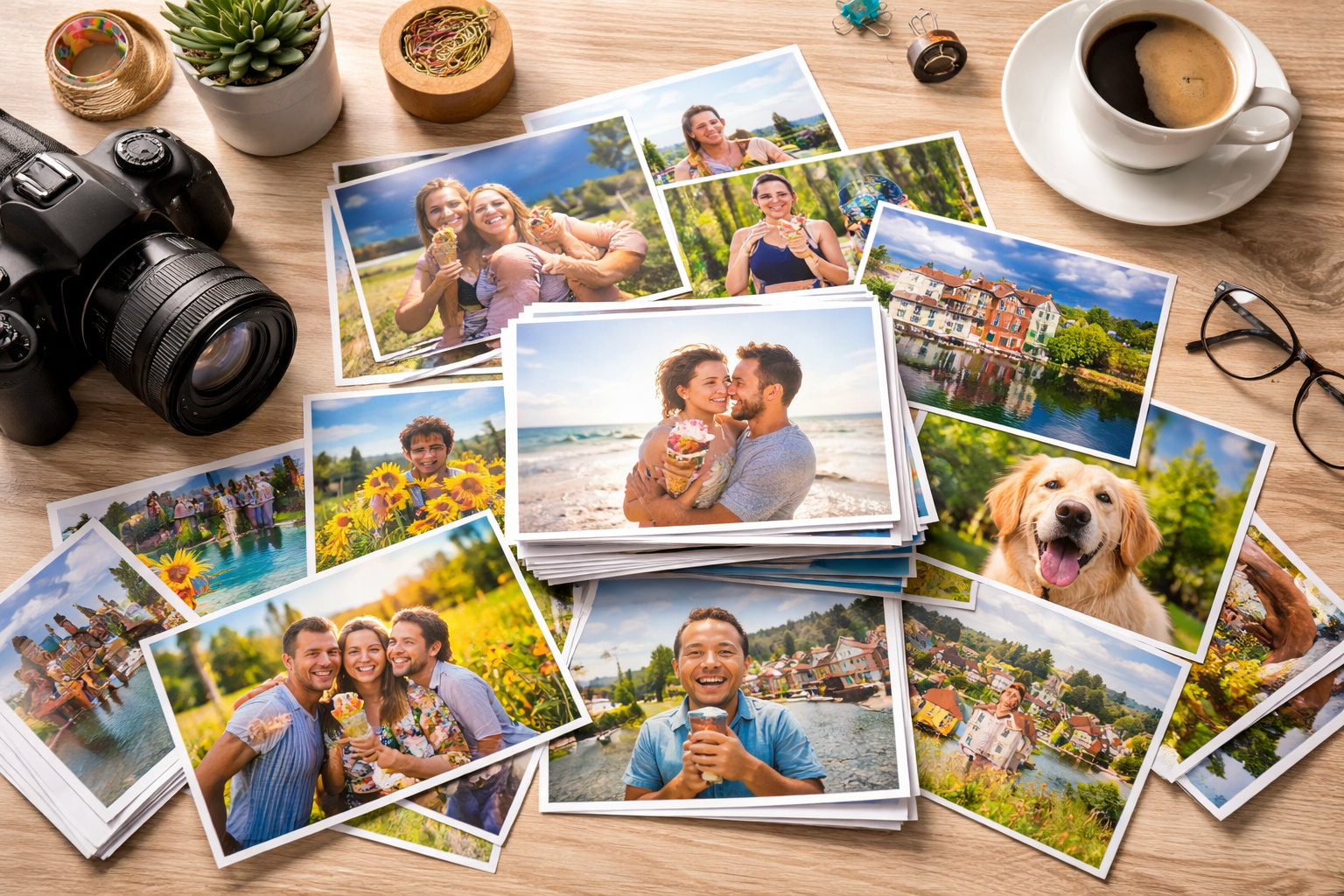
Make a folder. Drop in your favourites from January onwards, then go back through and cut the duplicates, the ones that don't add anything, and any shot where you can't quite make out the main subject.
Six to twelve photos is a good starting range — though that's a guideline, not a rule. It depends on the canvas size, the layout, and how much is happening in each shot. A big family group shot needs more breathing room than a close-up of two people, so if every photo has five faces crammed into it, use fewer of them. Otherwise nobody's actually recognisable once it's printed.
Mix posed shots with candid ones. A proper family portrait can anchor the whole design, with smaller, looser moments arranged around it — for grandparents especially, that might mean one formal group photo next to the grandkids covered in paint or muddy from football.
Check Your Photos Will Actually Print Well
Use the original files, not screenshots or anything saved off WhatsApp or Instagram — those get compressed and lose detail fast, and it shows the moment you enlarge them.
Go through each photo before uploading. Faces should be sharp, expressions natural, and details still visible when you imagine it bigger. A slightly awkward composition is forgivable; visible blur usually isn't, especially once it's the size of a dinner plate on someone's wall.
One thing people miss: a photo's quality depends on how big its space is in the collage. A picture that looks fine as a small tile might not hold up as the centrepiece. If the upload tool flags a warning or an image looks soft in preview, don't ignore it — enlarging a low-res file won't magically bring back detail that isn't there. Either give it a smaller spot or swap in a sharper photo from the same day.
Pick a Layout That Suits Your Photos — Not the Other Way Round
Build the layout around what you actually have, rather than forcing every photo into the same shape.
A grid works best when no single photo is more important than the rest. Keep the gaps even, and check your crops carefully — cutting straight through someone's face or jamming a head right against the edge is the fastest way to make a collage look rushed.
One centrepiece photo, surrounded by smaller ones suits a collection built around one big moment — a wedding, a reunion, a new baby. Pick your favourite shot, make it the anchor, and let the rest support it.
Chronological order, starting in January and working forward, tells the year as a story. Small month labels can help, as long as they stay easy to read and don't clutter the design. And if you're putting this together in November, that's fine — use what you've got. You don't need to wait for December 31st to make a meaningful gift.
Get the Colours and Text Working Together
Photos from different months rarely match. A beach photo from July is going to look far brighter than a dim indoor shot from a birthday in February, and side by side, that's obvious.
Make small brightness and colour tweaks so everything sits together comfortably — but go easy. Heavy filters can shift skin tones and wash out the details that made you choose the photo in the first place. Keep your original files, in case you want to undo anything later.
For the background, simple wins: white, cream, or one muted colour will let the photos do the work instead of competing with a busy design.
If you're adding text, make it count. A few that work well:
- Our Favourite Moments of 2026
- Another Year Together
- The Wilson Family, 2026
- Little Moments, Happy Memories
One font, used consistently, with enough space around it. Names, dates, and captions should support the photos — not compete with them for attention.
Think About Size, Cropping, and the Canvas Edges
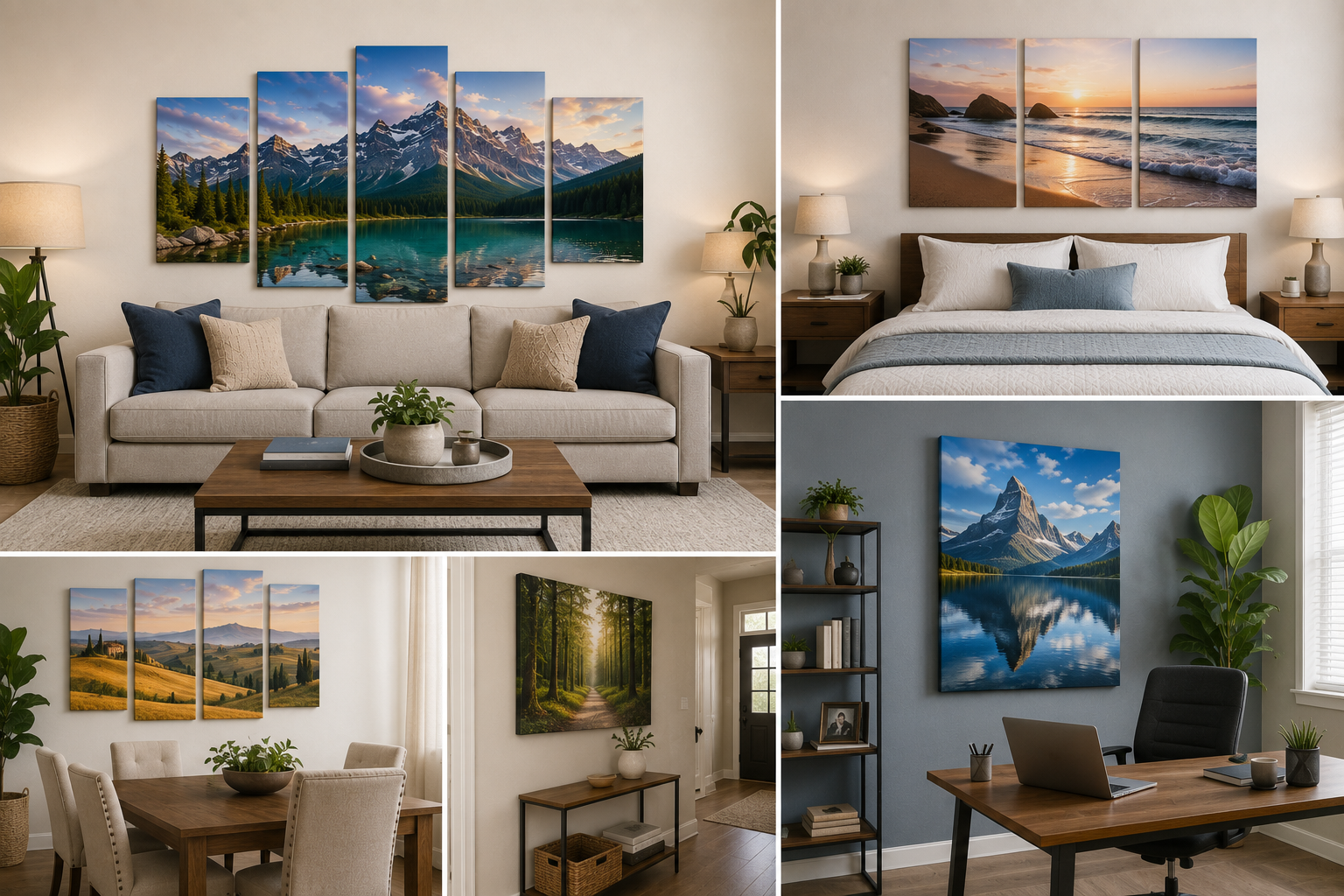
Before you finalise anything, think about where this is actually going to hang. A canvas for a small bedroom wall needs a different approach than one going above a living-room sofa.
Measure the space if you can, then check how large individual photos will actually appear at your chosen dimensions — this matters more than people expect once group shots or captions are involved.
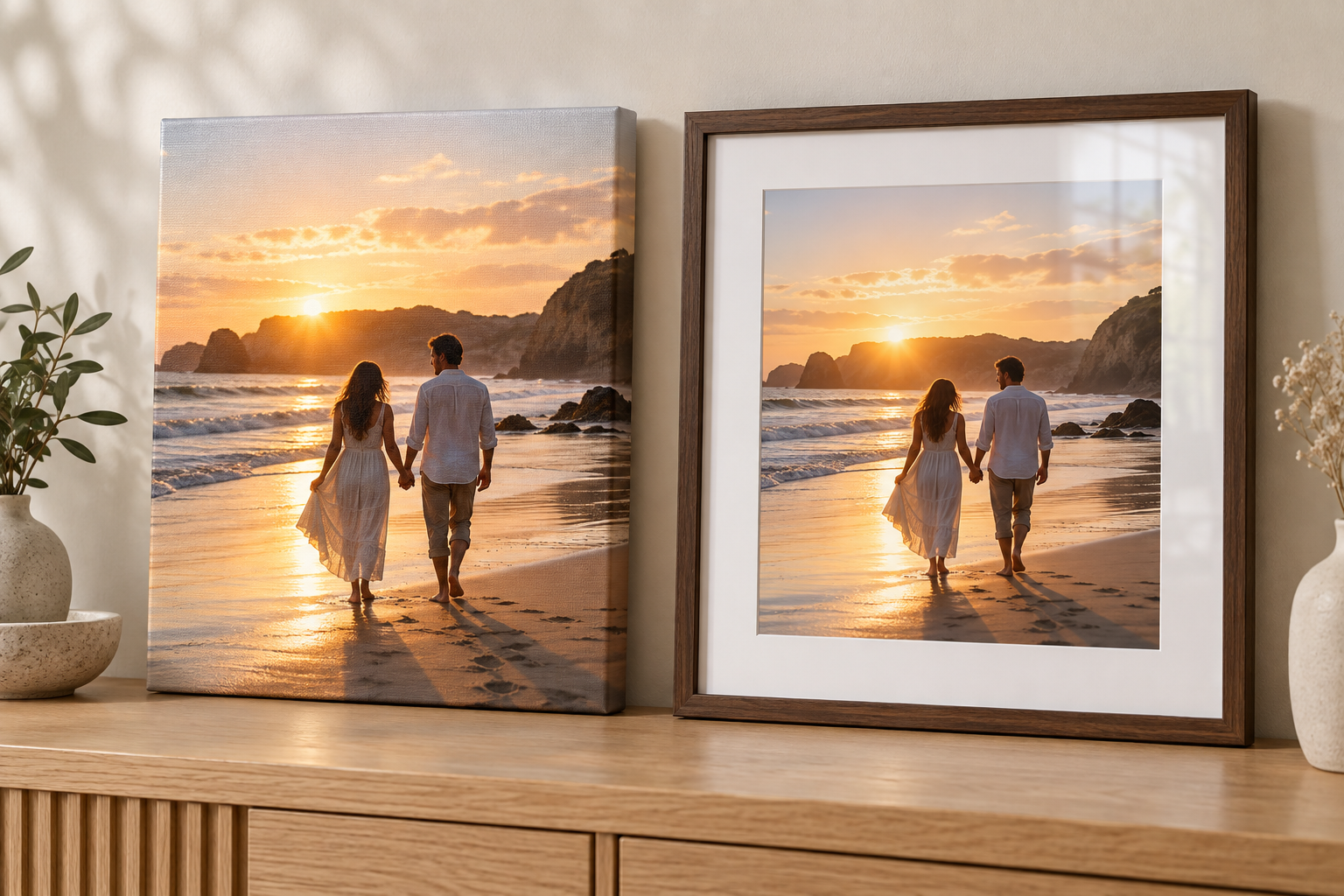
If you've gone with a gallery wrapped canvas, remember the design continues around the sides. Keep faces and text away from those edges — the preview tool will show you exactly where the wrap begins.
When you're choosing custom canvas prints from CanvasChamp UK, take a minute at checkout to double-check the layout, dimensions, spelling, and delivery address, and check the current production and delivery estimates for your postcode — especially this close to Christmas, when timing matters more than usual.
Finish It With a Note
A family collage doesn't really need an explanation, but a handwritten card takes it further. Say why you picked one particular photo, or mention a moment that still makes you smile thinking about it.
Leave the protective packaging on until you're ready to wrap it, and tuck the card somewhere they'll find before they see the photos — that way the message lands first.
Frequently Asked Questions
How many photos should go on a year-in-review canvas?
Six to twelve is a solid range for most sizes. Go smaller if the canvas itself is small, or if your photos are already crowded with people — better to leave someone out of the collage than to shrink them past recognition.
Can I mix portrait and landscape photos in one collage?
Yes — most layouts can handle a mix, or you can crop to fit. Just check the crop afterwards; it's easy to lose someone's feet or half a face without noticing until it's printed.
Does a Christmas canvas need to have Christmas photos on it?
No, and honestly, most of the best ones don't. Birthdays, day trips, and completely ordinary afternoons all work — a photo doesn't need tinsel in it to be a Christmas gift, and a good mix means the recipient enjoys it well past January.